Save TONS of Time Grading This Year!
Let’s be real: grading is a huge time sink for teachers. In 2026, and with all of the technology available to us, there have got to be ways to cut back on grading time so that we can prepare lessons, run photocopies, meet with colleagues, and tend to the myriad responsibilities we have as French, Spanish, and Italian teachers.
At this point, it’s been about 5 years since I started using Google Form Quizzes to easily and efficiently assess student learning. In this post, I’m going to teach you how to save countless hours grading and easily assess student learning, analyze data, and share quiz results with your students with a single click! Fast, efficient, and effective!
Continue reading to learn more, and click on the thumbnails
below at any time to pick up these resources for your own classroom!
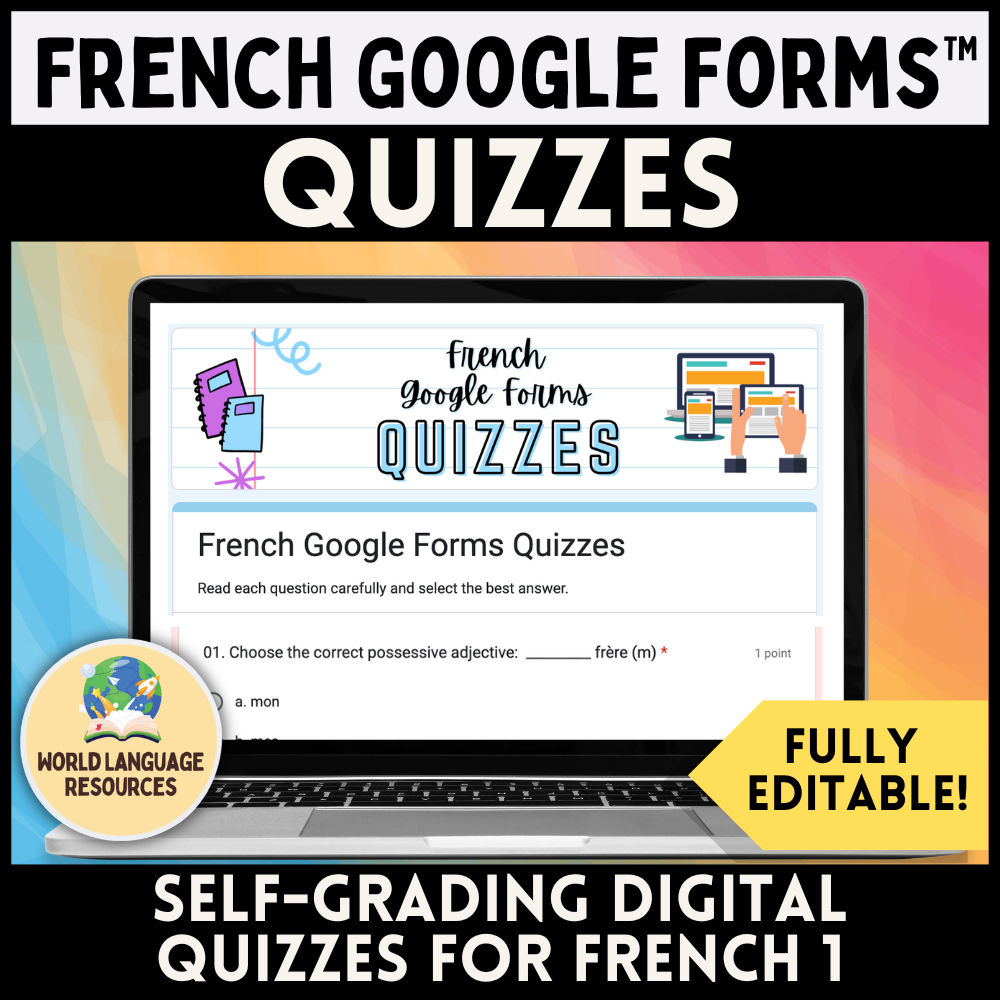
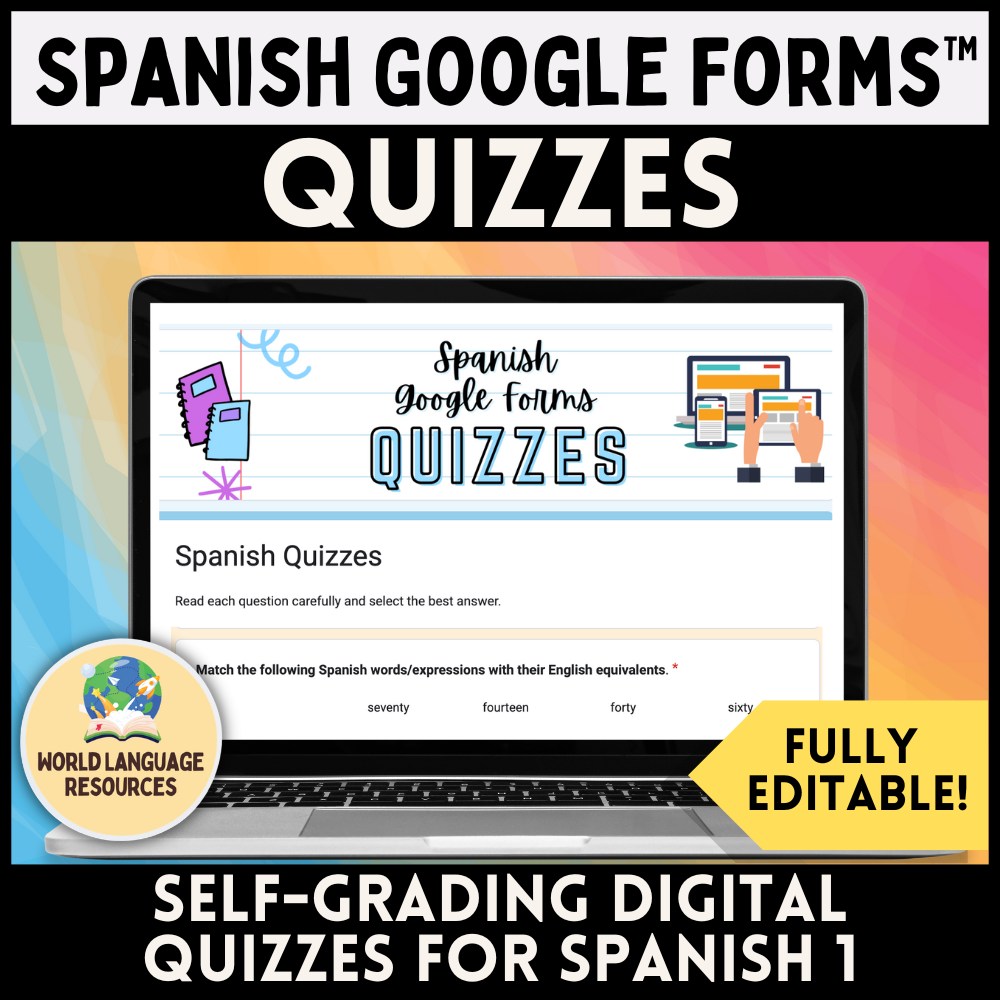
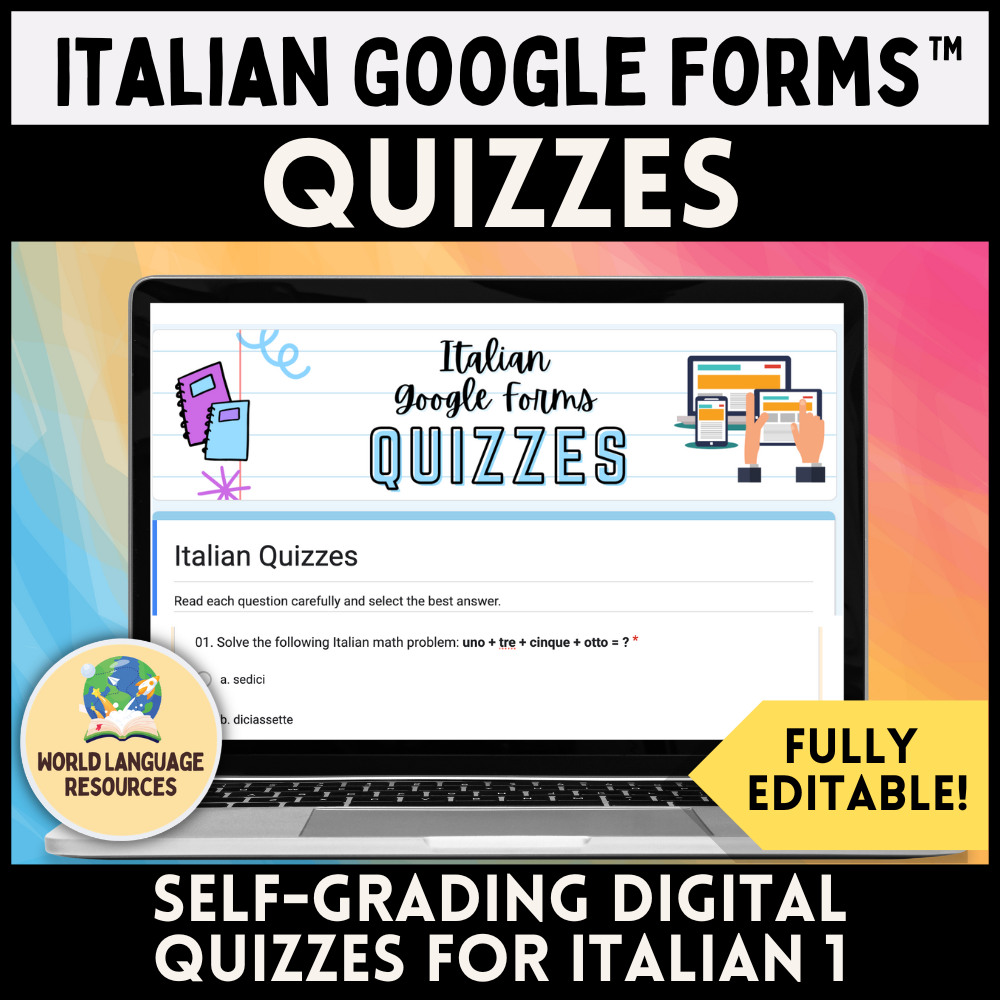

What are Google Form Quizzes? And why should we use them?
Google Form Quizzes are editable and digital quizzes that you can literally push out to students with the click of a button. Naturally, these quizzes are digital, so your students do need access to a device in order to take them. Students work through the quiz, submit their work, and their quiz gets added to your collection of completed student quizzes.
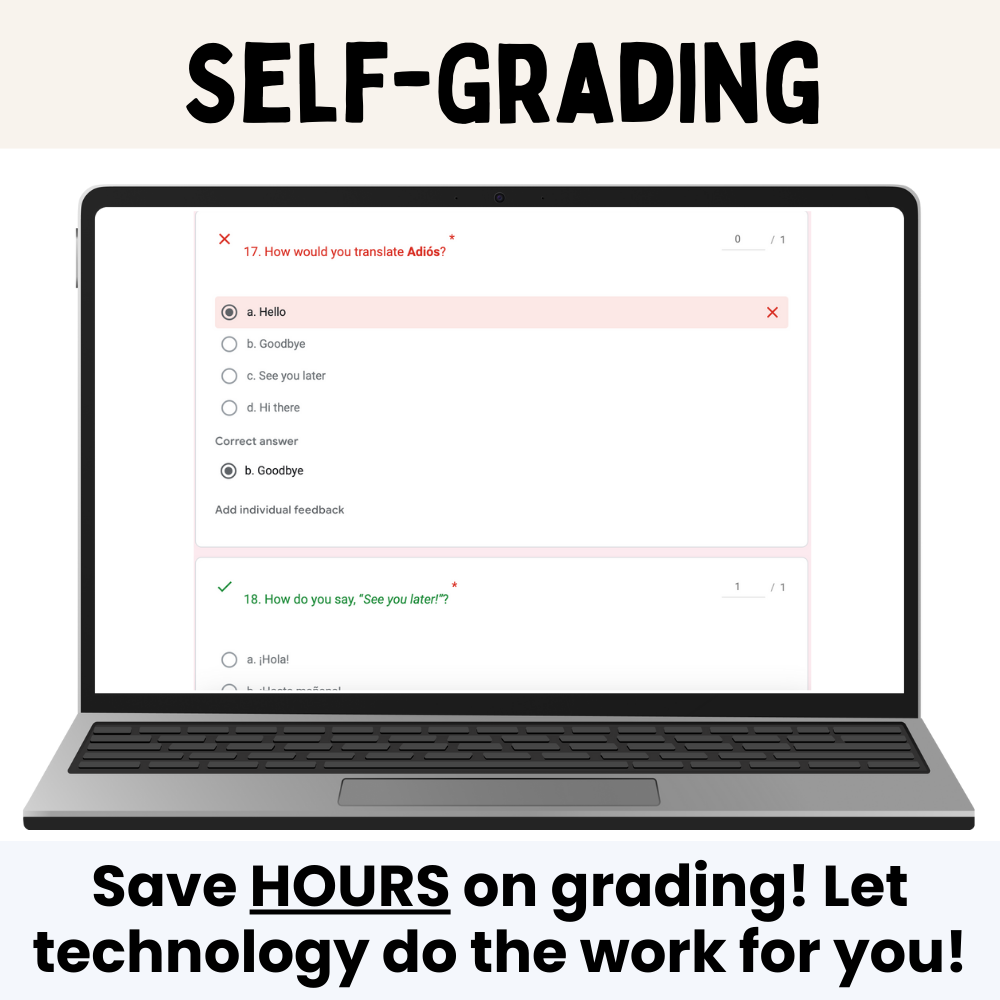
The best part? Google Forms will auto grade your students’ quizzes, meaning that you won’t have to spend a single minute going through and marking and tallying incorrect answers, and doing dreaded math to figure out your students’ grades.
Another perk is that you can effortlessly collect data and analyze student performance, including the mean, median, and mode across a single class (or multiple classes), as well as the questions that students struggled with. It would take you a LONG time to get this kind of data if you were grading manually - with Google Forms, the information is instantaneously available to you.
Did I mention that you can instantly return student quizzes with the click of a button? No need to spend 5 minutes of class time walking around passing back papers - instead, you click the Release Scores button, and students get their quizzes emailed to them. It’s so easy!
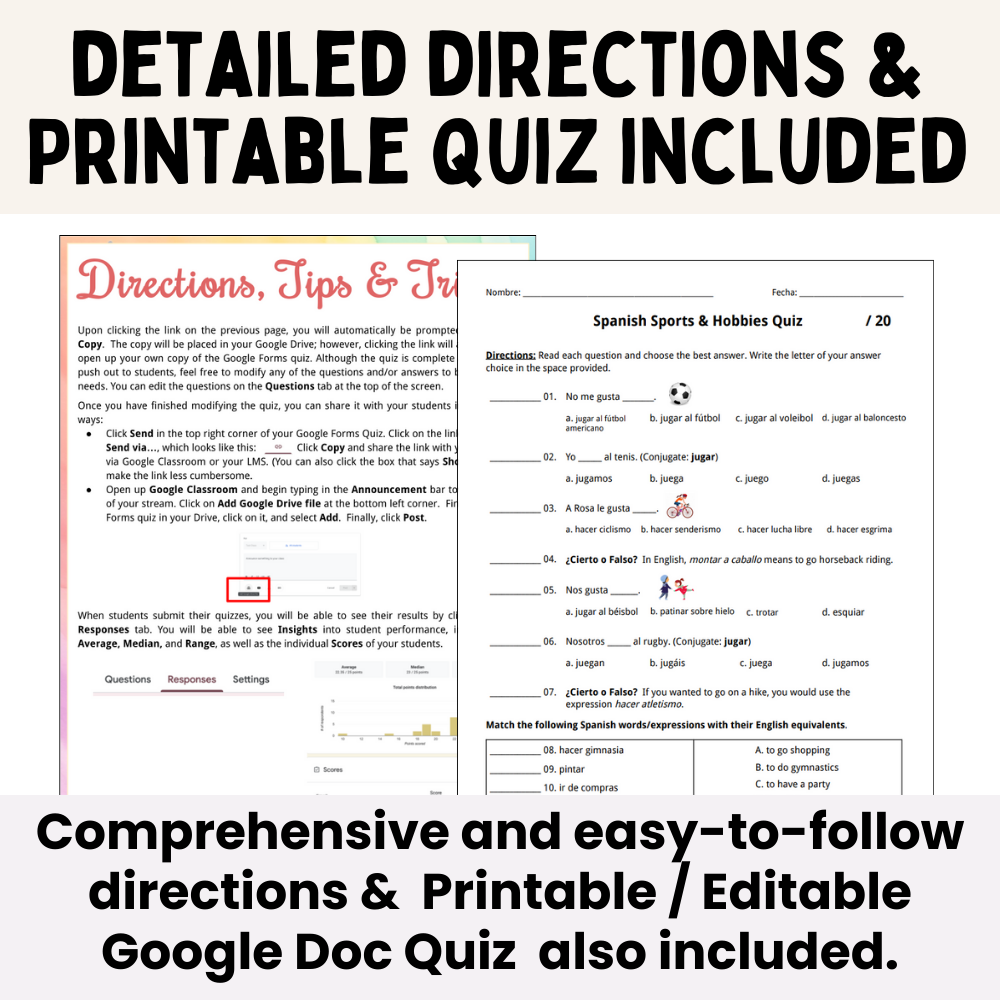
And in the resources that I offer on TPT, I also include two helpful tools: 1) three pages worth of Detailed Directions and Suggestions for Implementation and 2) a Digital Google Doc of the quiz, which you can print in advance in case you run into any tech issues.
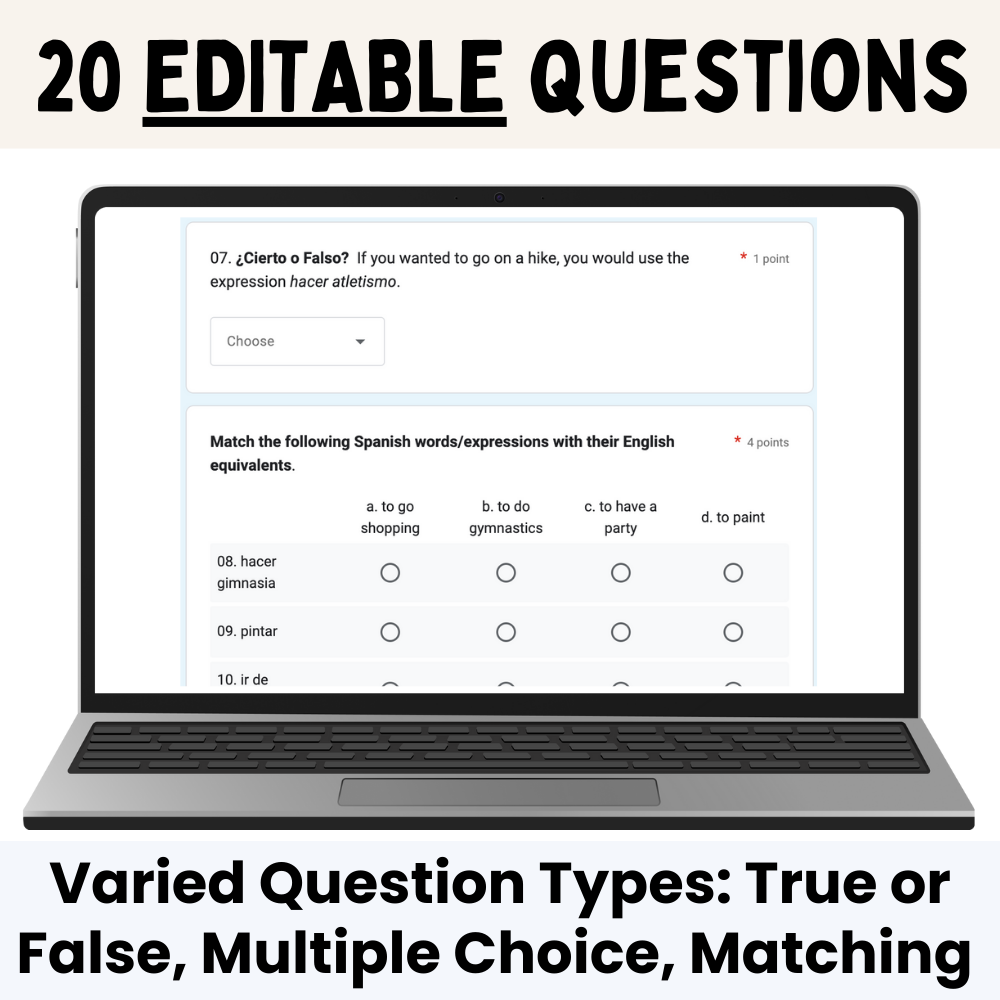
Each Google Forms Quiz includes…
Want to learn more?
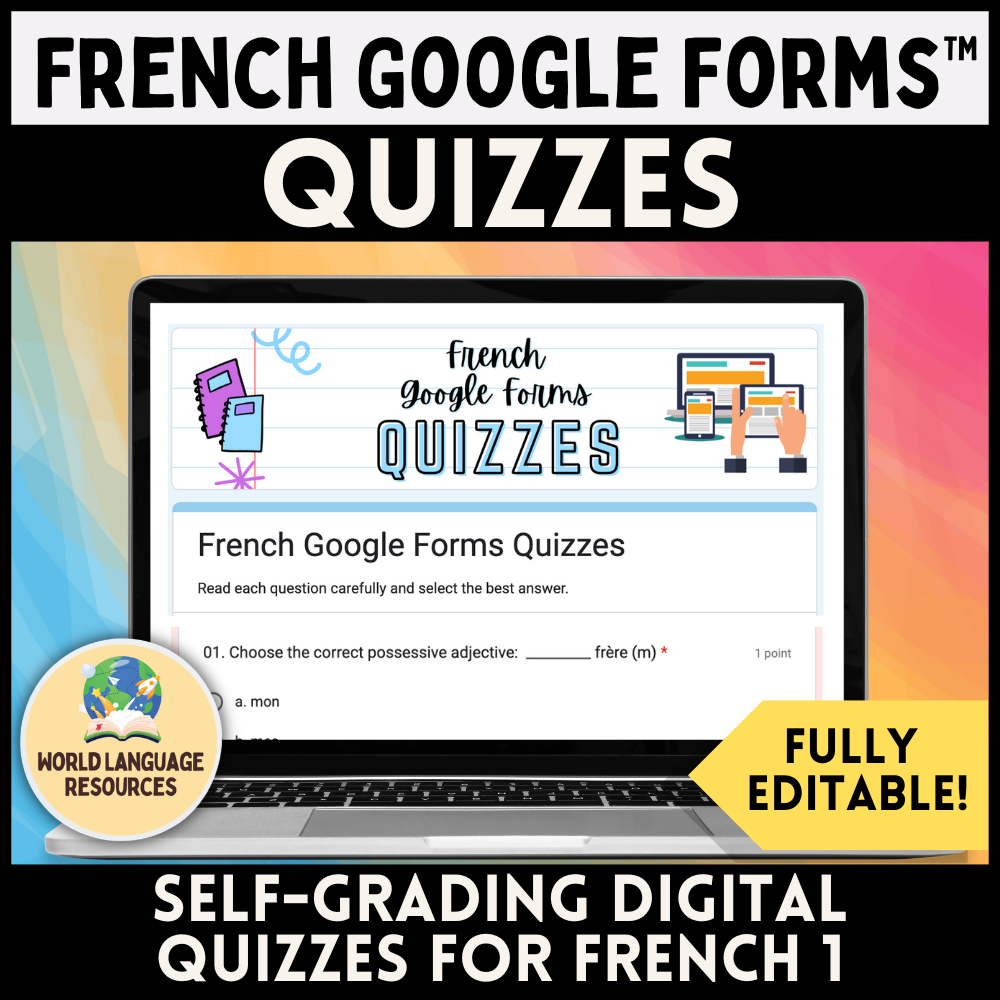
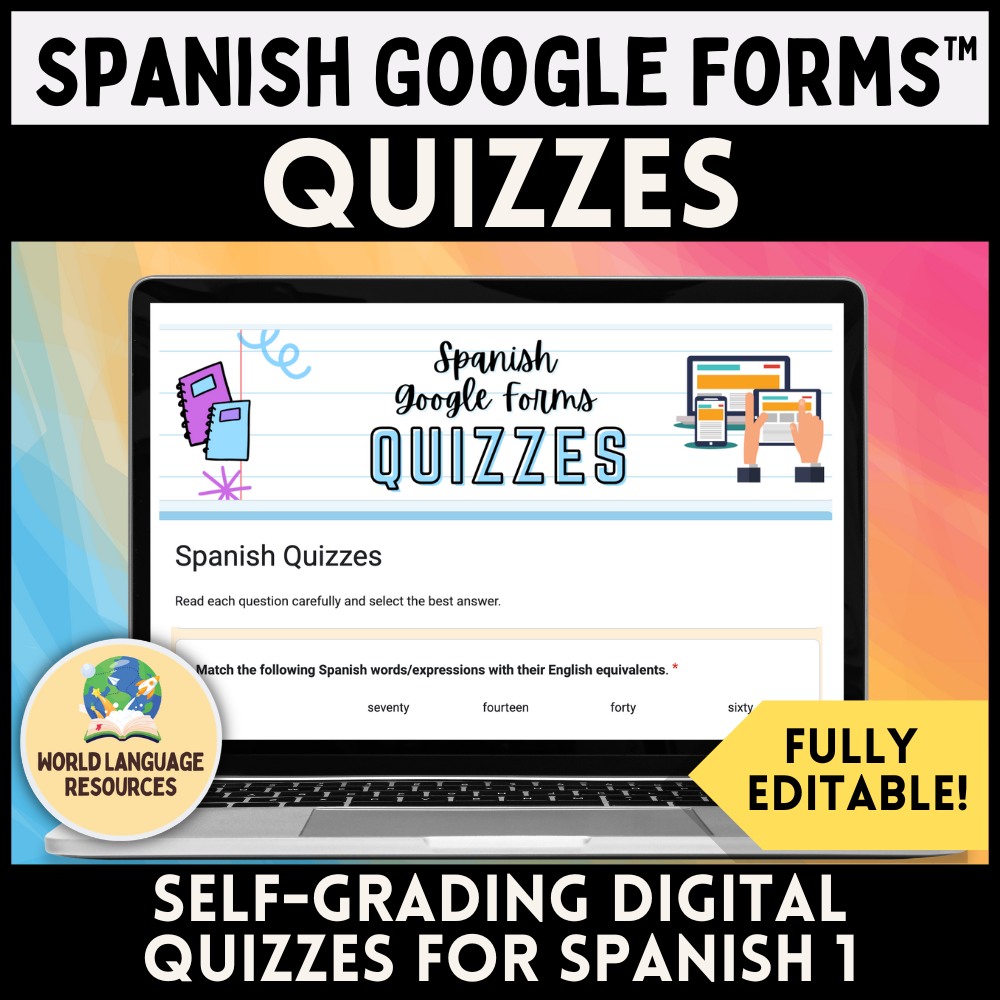
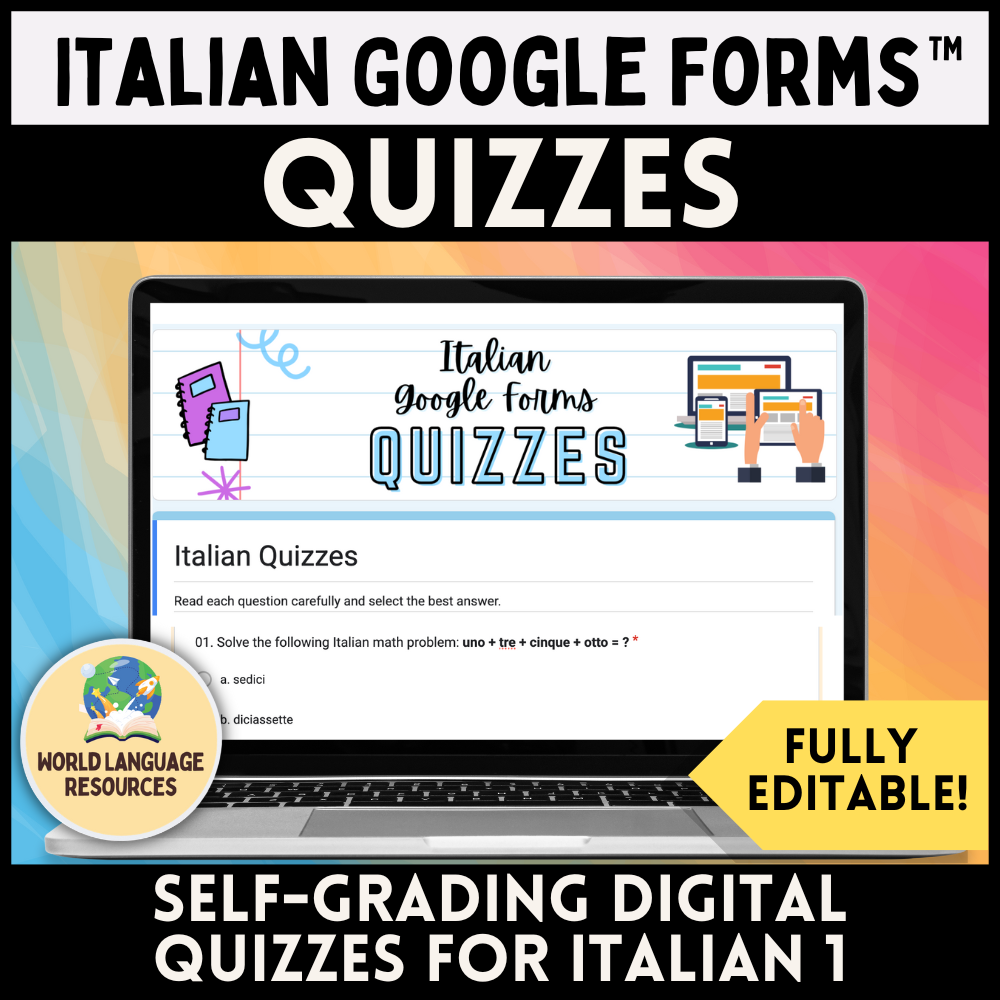
Check out the various Google Forms quizzes that I offer on TPT! Click the thumbnails below to explore more:
If you have any questions, feel free to leave a comment below or send me an email!
Happy language teaching,
~ Michael